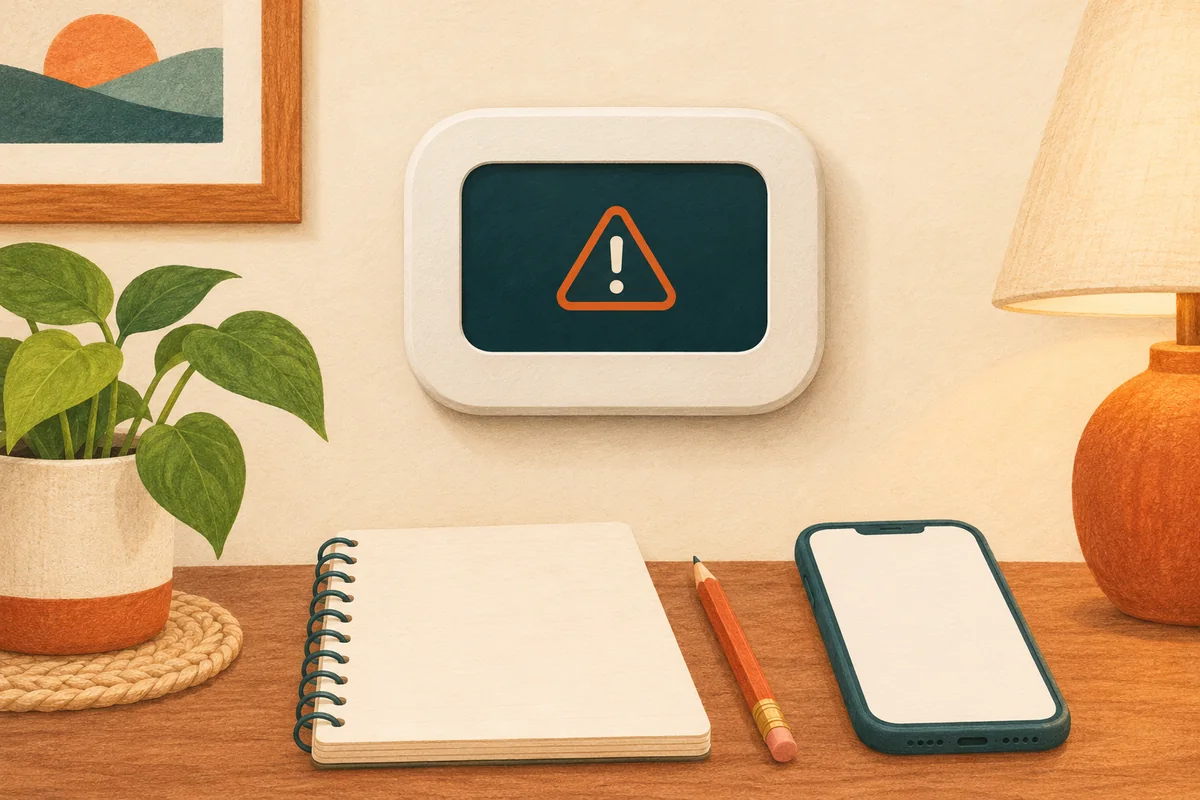
A visible message is useful evidence when paired with the equipment model and what was happening. Record it as shown rather than clearing it, guessing its meaning or recreating the fault for a photograph. This guide covers only an ordinary user display or a status indication already visible from outside the equipment. An alarm or immediate hazard takes priority over collecting evidence.
Is this the right check for your system?
Thermostat screens, normal user apps and status indications visible without opening a compartment or changing controls.
- Do not open service menus, remove panels, press reset or interrupt power for this task.
- A code from one model may have a different meaning on another; use the exact model and official support guidance.
- If you suspect gas, hear a carbon monoxide alarm or face immediate danger, leave and obtain emergency help rather than taking photographs.
What you need
- A private notebook or phone camera.
- Any model information already available from records or a safely visible exterior label.
- A short timeline of the symptom and recent changes.
Stop and get help if…
- A gas odor, carbon monoxide alarm, smoke or immediate danger.
- Message visible only after opening equipment or using an installer menu.
- Water near electrical parts, severe noise or unsafe access.
Follow the steps & keep your notes
Use this working copy for the task described above. Follow your equipment instructions and the stop signs before making a change.
Check an item when you have reviewed or completed it. You can stop and request help at any point; a checkmark does not confirm the system is safe or repaired.
Read only what is visible from your normal safe position. If the message concerns an immediate hazard or you notice a stop sign, stop collecting information and act on the hazard. Do not stay inside to photograph a carbon monoxide alarm or suspected gas leak.
What to expect: You have either a safe documentation task or a clear reason to leave it unfinished.
Write every displayed word, letter, number and punctuation mark. Include whether the display says warning, service, offline or another label. Do not substitute a diagnosis such as 'bad compressor' for the screen text. Mark unreadable characters rather than filling them in from an online search.
What to expect: Your note preserves the actual message and distinguishes uncertainty from a confirmed character.
If safely possible, take a clear photograph without changing settings, removing a cover or inserting the phone into a viewing opening. Check for reflections that obscure characters. Keep the image private and avoid including household documents, account details or unrelated personal information.
What to expect: A private image supports the written message without altering equipment or exposing extra information.
Note the date and time, equipment involved, thermostat setpoint and what you observed before the message appeared. Say whether the room was losing heat, cooling was weak or only an app connection changed. Include recent service or an outage without claiming that it caused the problem.
What to expect: The message is linked to a useful timeline and an observed symptom.
Keep the note with available model information and tell the provider what you already tried. Do not reset, force a restart or deliberately repeat the condition to obtain a better recording. If the message disappears by itself, record that fact rather than attempting to bring it back.
What to expect: You have a record the provider can interpret against the correct model and condition.
________________________________________________________________
Notes stay on this page until you leave. Print or download to keep a copy. Leave out account numbers, payment details, health information and other sensitive information. Nothing is sent to us until you submit a service request.
Keep the observations. Get the right help.
Use the symptom and model information to request appropriate help. A message may guide assessment, but it does not by itself authorize a part replacement or prove that equipment is safe. Do not rely on a website reply during an emergency.
Sources & further reading
Equipment instructions and a home-specific assessment take priority over general guidance. This page explains principles; it does not diagnose your equipment remotely.