Model information helps match support and service questions to the equipment you actually own. Start with invoices and owner documents, then photograph an externally visible identification label only if safely accessible. Label locations vary. This task never requires removing a cover, entering an attic, climbing, touching wiring or reaching into equipment.
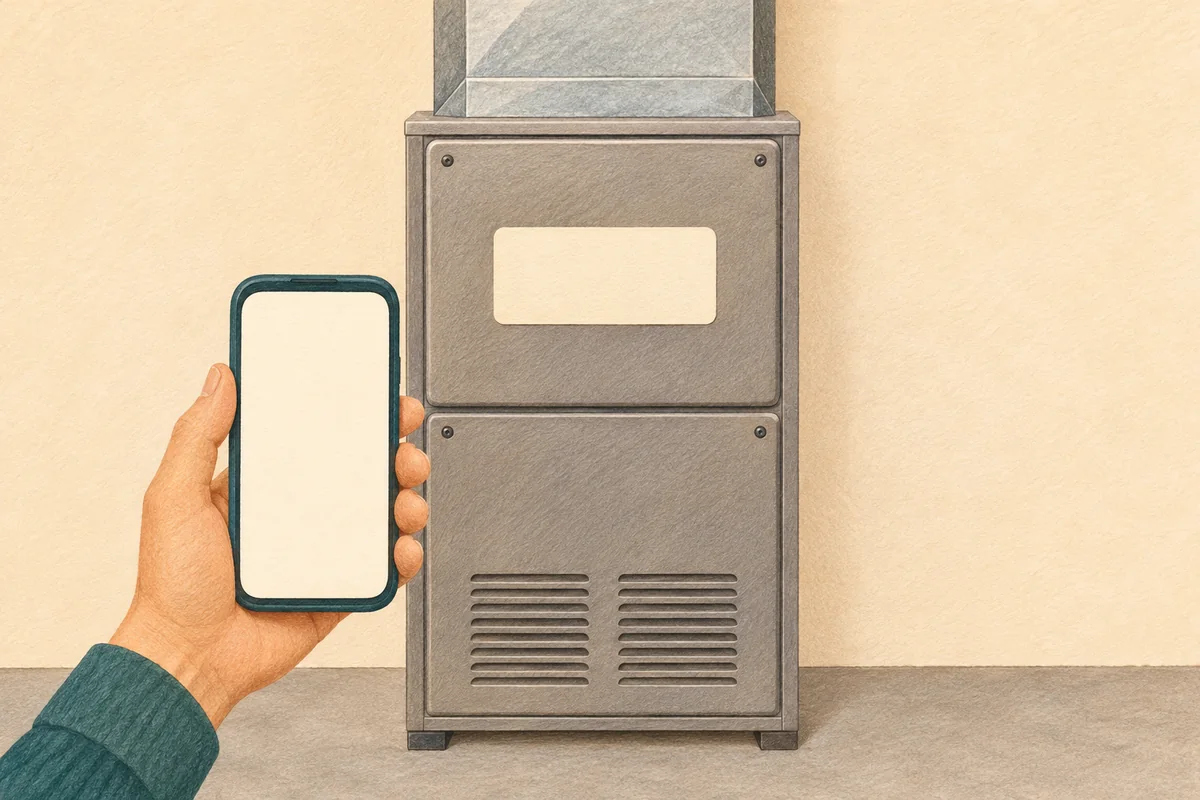
Is this the right check for your system?
Owner records and exterior labels visible from an ordinary safe floor or ground position.
- Search documents before approaching equipment; the installer or service provider may already have the information.
- Do not remove a thermostat from its wall plate or open a furnace, coil or accessory cover for this task.
- Skip any label requiring a ladder, tight access, a compartment opening or contact with a hot, wet or damaged surface.
What you need
- Owner manual, installation invoice or previous service paperwork if available.
- A private phone camera or notebook.
- A simple component label such as 'outdoor unit' or 'basement furnace' for your notes.
Stop and get help if…
- Label cannot be read without opening, climbing or reaching into equipment.
- Wet electrical parts, damaged wiring, sharp edges or unstable access.
- Gas odor, carbon monoxide alarm or another immediate hazard.
Follow the steps & keep your notes
Use this working copy for the task described above. Follow your equipment instructions and the stop signs before making a change.
Check an item when you have reviewed or completed it. You can stop and request help at any point; a checkmark does not confirm the system is safe or repaired.
Look through installation invoices, owner manuals and previous service notes. Identify whether a record names the outdoor unit, furnace, air handler, coil or thermostat. A household can have several separate model numbers. Do not assume the number on one document describes every component.
What to expect: You have found existing identification or know which component remains unidentified.
From a safe standing position, look for a nameplate, metal tag or sticker on the component's outside. Manufacturer examples show different locations, so do not keep reaching around a unit just because another model has a label there. If a cover blocks it, stop.
What to expect: A label is safely visible, or you have marked the information as unavailable.
Photograph the label without touching equipment, inserting the phone through openings or approaching moving parts. Use normal camera framing and check that letters are readable. Keep the image on your own device; do not publish it in a forum or public upload as part of this task.
What to expect: You have a readable image obtained without altering the equipment.
Copy the manufacturer's name and the field explicitly identified as model. Record the serial number separately if needed for service, preserving punctuation and letters. Do not confuse a component part number, voltage, efficiency value or thermostat setting with the equipment model.
What to expect: Your note identifies each field without trying to decode unknown information.
Label the note with the component and its location, then compare it with the documents you found. Mark uncertain characters instead of guessing. Share only the necessary information privately with the service provider when requested; avoid sending unrelated personal documents or account details.
What to expect: You have an organized equipment reference and an honest list of missing information.
________________________________________________________________
Notes stay on this page until you leave. Print or download to keep a copy. Leave out account numbers, payment details, health information and other sensitive information. Nothing is sent to us until you submit a service request.
Keep the observations. Get the right help.
If you cannot identify the model safely, describe the equipment and its location when requesting service. The provider can advise what is needed or collect the information during the visit. Missing a label is not a reason to open a compartment.
Sources & further reading
Equipment instructions and a home-specific assessment take priority over general guidance. This page explains principles; it does not diagnose your equipment remotely.