After moving, create one simple map of the equipment, controls, records and unanswered questions. This inventory helps you learn what you have and arrange appropriate maintenance; it does not certify the system’s condition or replace a professional assessment or property inspection.
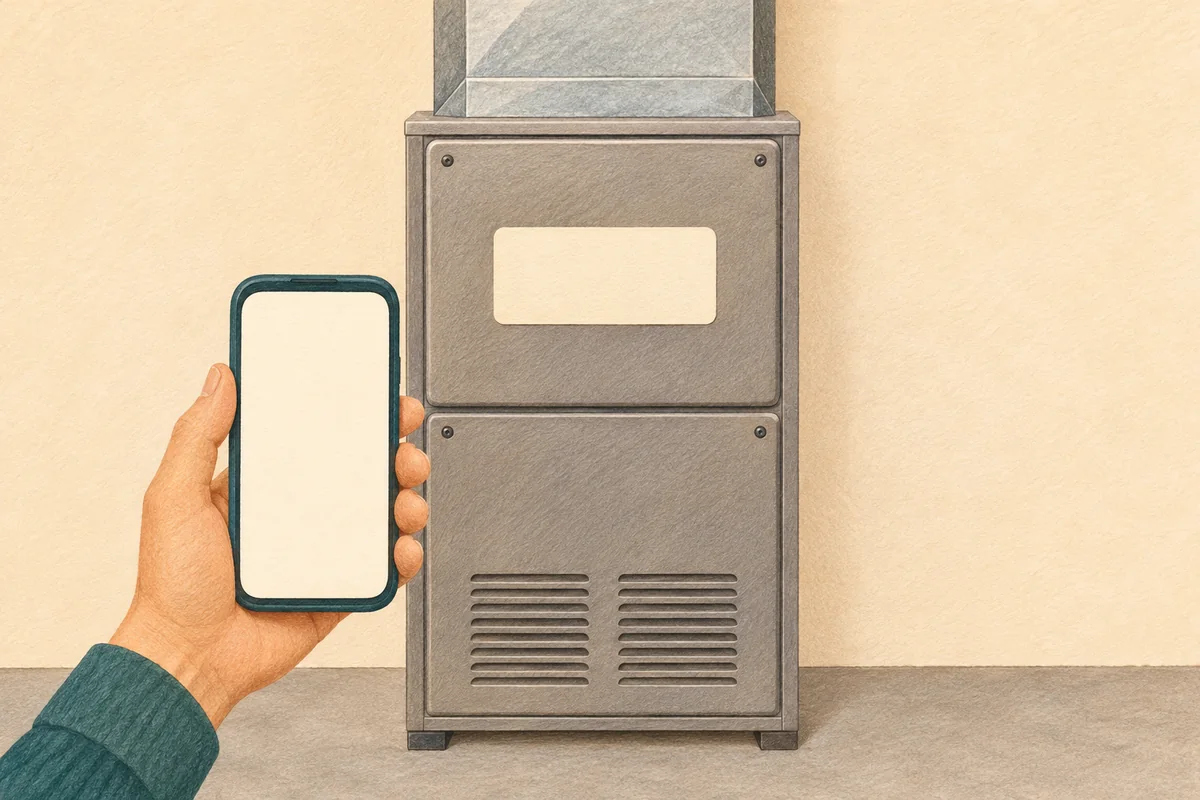
Is this the right check for your system?
A new owner or authorized occupant getting familiar with an existing home’s heating and cooling, with safe ordinary access and no immediate fault or emergency.
- Use the owner or manager’s access instructions; shared equipment may not be yours to approach or operate.
- Keep personal closing, insurance and identity documents separate from this equipment worksheet. Use general room labels rather than an address.
- Leave unfamiliar controls unchanged while you gather information.
What you need
- A notebook or the optional worksheet, plus paperwork already supplied with the home.
- Optional phone for safe exterior-label photographs.
- The manufacturer’s owner manual once the exact model is known, and a place to retain private records.
Stop and get help if…
- Gas odor, a carbon monoxide alarm, smoke or an immediate electrical hazard: leave and use the appropriate emergency response.
- Flooded access, exposed wiring, an unstable route, or equipment reachable only by climbing or opening a service compartment.
Follow the steps & keep your notes
Use this working copy for the task described above. Follow your equipment instructions and the stop signs before making a change.
Check an item when you have reviewed or completed it. You can stop and request help at any point; a checkmark does not confirm the system is safe or repaired.
Walk normal accessible areas and list what you can identify: an indoor furnace or air handler, an outdoor unit, visible room units, or other heating equipment. Give each a plain location label such as downstairs system or main-floor wall unit. Mark uncertain equipment as unknown instead of inferring its function from appearance. Do not trace pipes or enter an attic, roof or locked mechanical room. Use the separate model-number guide if you need help with an accessible exterior label.
What to expect: You have a short equipment list with usable location labels and explicit gaps, without dismantling or testing anything.
List the wall thermostats and accessible room-unit controls, with the room or area each is believed to serve. Note whether that match comes from an owner’s explanation, a manual or your own observation. Record visible mode and schedule information without changing installer settings. If several controls or zones are present, ask the prior owner, manager or a professional to explain the arrangement rather than switching everything on and off to discover the connections.
What to expect: The control map distinguishes confirmed associations from questions, so another household member can understand the current arrangement.
Group available owner manuals, installation invoices and service reports under the same location labels. Record the document type and date; write unknown for an installation date that lacks evidence. A salesperson’s age estimate is different from an installation record. Keep original documents privately, including any model and serial details they contain. If a manual covers multiple products, check that it actually includes your model before treating its filter, control or maintenance instructions as applicable.
What to expect: Each system has a record list, and missing manuals or uncertain dates are visible rather than filled with guesses.
Read the applicable owner instructions for homeowner tasks and identify questions about filter location, approved filter type and routine care. Ask for a demonstration if access or shutoff procedure is unclear. ENERGY STAR recommends professional pre-season checkups; that guidance is a planning prompt, not proof that any particular work was already completed. Do not mark a seller’s statement of regular service as a verified task list or open panels to see whether equipment looks maintained.
What to expect: You have a practical care-question list and know which instructions or professional explanation are still needed.
Use the actual manufacturer’s support resource to ask whether product records, registration or ownership-transfer action apply to the equipment. Retain any response with the records. Trane’s support pages illustrate why product and coverage questions need the exact equipment and applicable terms; other manufacturers differ. Do not assume an inherited certificate transfers automatically or that parts coverage includes labor.
What to expect: Coverage questions are routed to the correct source, with no assumed transfer, deadline or coverage promise.
Review the list and choose the next useful action: obtain the right manual, clarify shared controls, ask about accessible filter care, or arrange an assessment of an actual concern. If a room feels uncomfortable, use the separate room-temperature log rather than adding a guessed equipment fault to the inventory. Share only the relevant equipment summary when requesting service. Keep the list as your baseline and update it when documented work changes the system.
What to expect: You have a prioritized next action and a reusable household reference instead of an unverified diagnosis.
________________________________________________________________
Notes stay on this page until you leave. Print or download to keep a copy. Leave out account numbers, payment details, health information and other sensitive information. Nothing is sent to us until you submit a service request.
Keep the observations. Get the right help.
Ask the owner, manager, equipment manufacturer or an HVAC professional to explain the unknown item. For a Burbank or Oak Lawn assessment request, contact Clucas Mechanical Heating and Air at 708-674-3600 with the relevant summary. A completed inventory is not a service request or a system inspection.
Sources & further reading
Equipment instructions and a home-specific assessment take priority over general guidance. This page explains principles; it does not diagnose your equipment remotely.