Light dust on the face of a grille can be cleaned as a household surface task without entering a duct. Keep the grille attached, use a gentle dry method and follow the finish or equipment instructions. Dust on a return grille alone does not establish that the ducts need cleaning. Stop if the surface is damaged, wet, unusually contaminated or inaccessible.
Is this the right check for your system?
Intact, dry supply and return grille faces within comfortable reach from the floor; no grille removal.
- Check the grille or finish instructions if available, especially for delicate coatings.
- Use a normal thermostat control to stop airflow and wait for operation to stop as described in the equipment manual.
- Stopping at the thermostat does not make opening equipment or electrical work safe; this is surface cleaning only.
What you need
- A clean, soft dry cloth.
- Optional household vacuum with a suitable soft-brush attachment.
- A note of damaged or inaccessible grilles to discuss during service.
Stop and get help if…
- Wet material, suspected mold or debris visibly released from a duct.
- Loose, corroded, sharp or flaking grille surfaces.
- Any task requiring a ladder, screws, internal access or force.
Follow the steps & keep your notes
Use this working copy for the task described above. Follow your equipment instructions and the stop signs before making a change.
Check an item when you have reviewed or completed it. You can stop and request help at any point; a checkmark does not confirm the system is safe or repaired.
Look at the attached grille from a stable floor position. Confirm that you are dealing with ordinary dry surface dust rather than wet material or an unknown buildup. Do not identify mold by appearance. Leave any uncertain material undisturbed and describe it to an appropriate professional.
What to expect: The surface is either suitable for a gentle household cleanup or clearly marked to skip.
Use the ordinary thermostat off control according to its manual and wait until operation stops. Keep the original setting in your notes for later. Do not pull disconnects, open electrical panels or try to override a fan that does not stop as expected.
What to expect: The system is stopped for this external cleaning task, or you have paused because normal control was unclear.
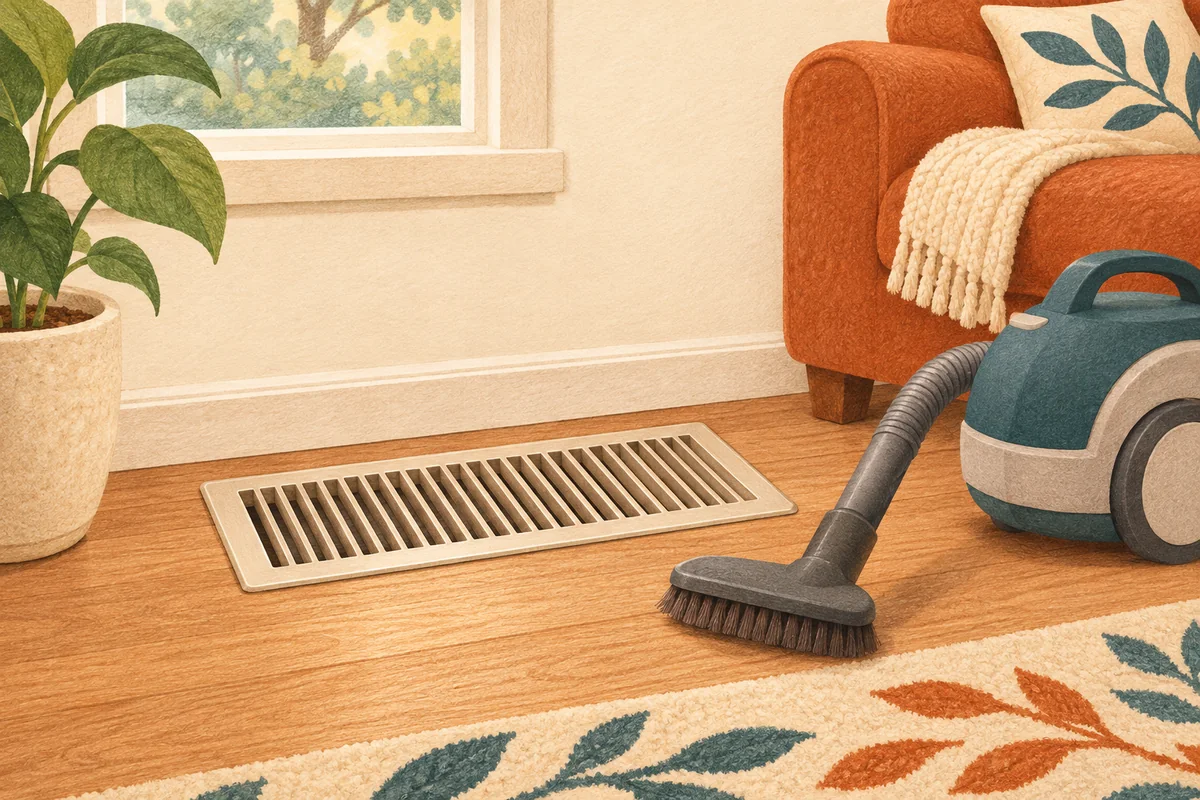
Use the soft dry cloth, or a vacuum brush suitable for the finish, on the outside face only. Make light passes so loose dust is collected rather than pushed through the slots. Do not insert the attachment, spray liquids or scrub into the duct opening.
What to expect: Visible loose dust is reduced without disturbing the attached grille.
Look for remaining dust you can reach gently from outside. Do not straighten fins, loosen screws or remove the grille to reach more. If cleaning reveals damage, stop and note it. Keep the vent open; do not tape over the opening to keep it clean.
What to expect: The grille remains intact, attached and unobstructed.
Put cleaning items away. If no stop signs are present, return the normal thermostat to its previous user setting following its instructions. If the system had an active fault, leave it stopped and request help instead. Record any unusual buildup or continuing airflow concern for the next conversation.
What to expect: You have completed a surface cleanup and retained useful observations without treating it as duct service.
________________________________________________________________
Notes stay on this page until you leave. Print or download to keep a copy. Leave out account numbers, payment details, health information and other sensitive information. Nothing is sent to us until you submit a service request.
Keep the observations. Get the right help.
Persistent dust release, dampness, an odor or weak airflow needs a source-based assessment. Tell the provider what you observed instead of assuming that a more aggressive cleaning treatment is the answer.
Sources & further reading
Equipment instructions and a home-specific assessment take priority over general guidance. This page explains principles; it does not diagnose your equipment remotely.